Tuneiverse
Vibe Coding
Interaction Design
UX/UI
Web Design
Timeline: 6 Weeks, Fall 2025
Tools: Gemini, Claude, Visual Studio Code, Figma, After Effects
The Project
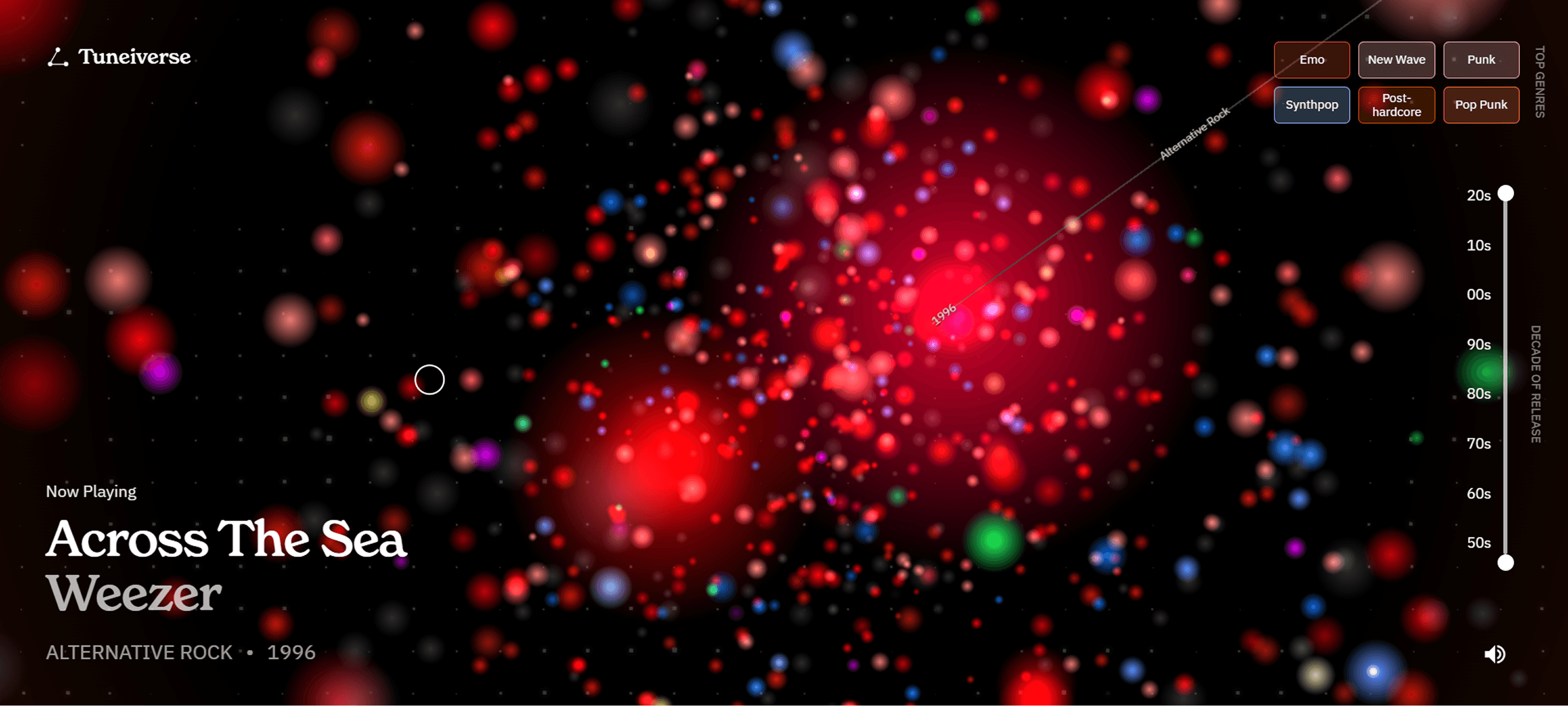
Tuneiverse is an AI powered song visualizer that takes your Spotify data to the next level. You can see what songs you listen to, how they relate to others you like, and filter by year and genre. People have a strong emotional attachment to music, and they like to share it with others. Tuneiverse was inspired by Instagram story trends like Receiptify where users connect their Spotify account and see what their top songs are in a unique, sharable way.
Research & Planning
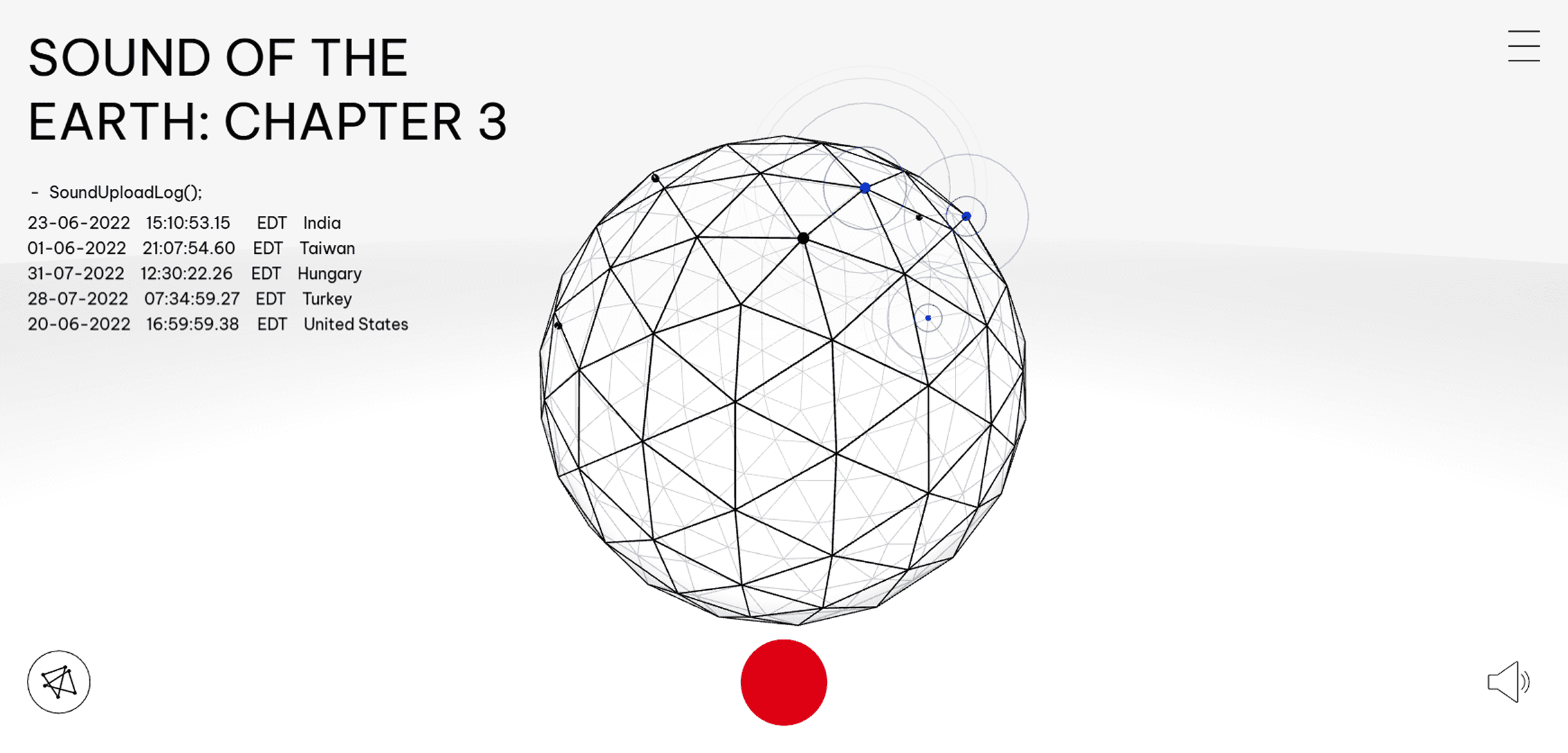
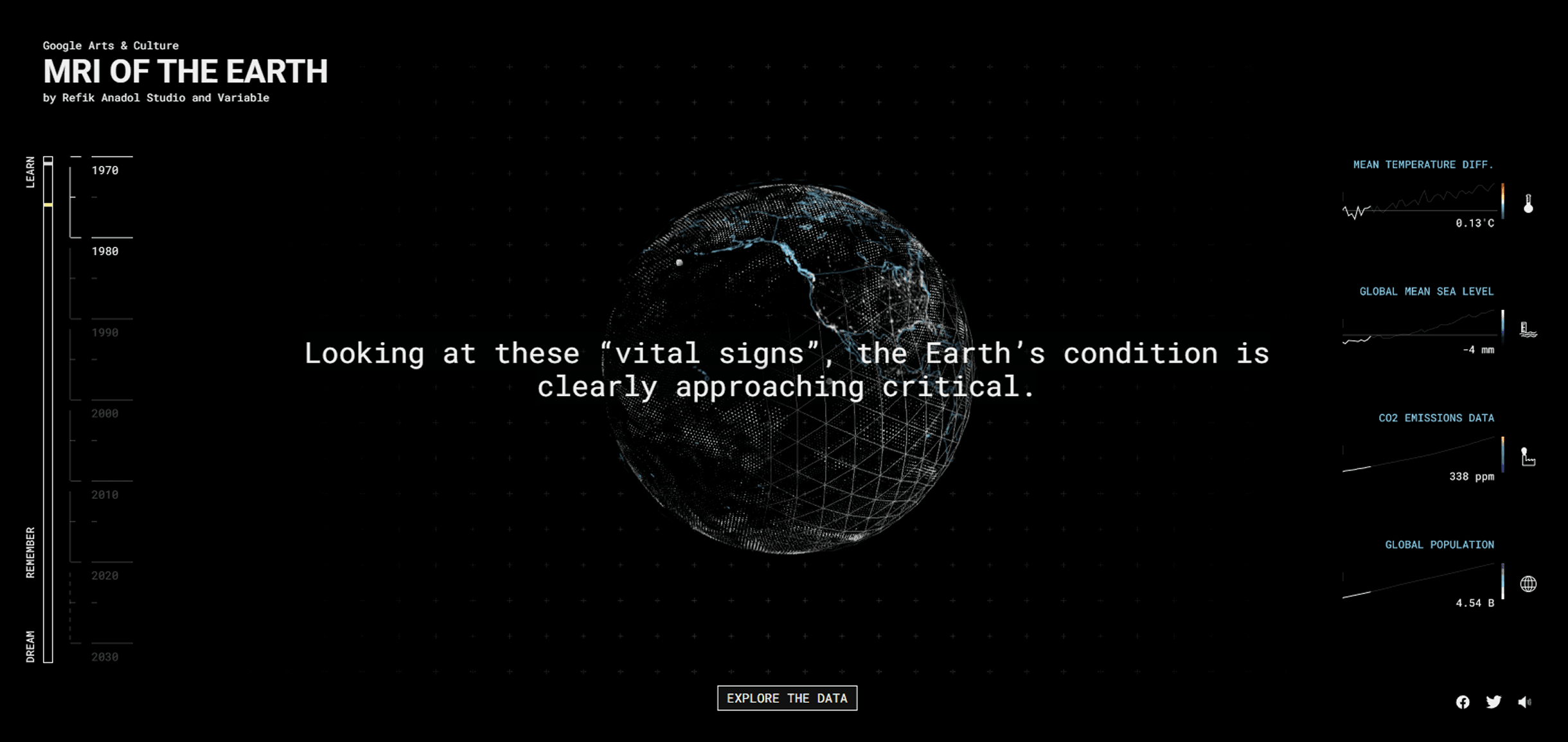
After deciding what I wanted to focus on - music - I took to Google Labs to look at different data visualization projects that have been made in the past to get inspiration. Google Labs had many examples that I could use as a jumping off point, and I took notes about what I liked about them and what I would have done differently.
Designing
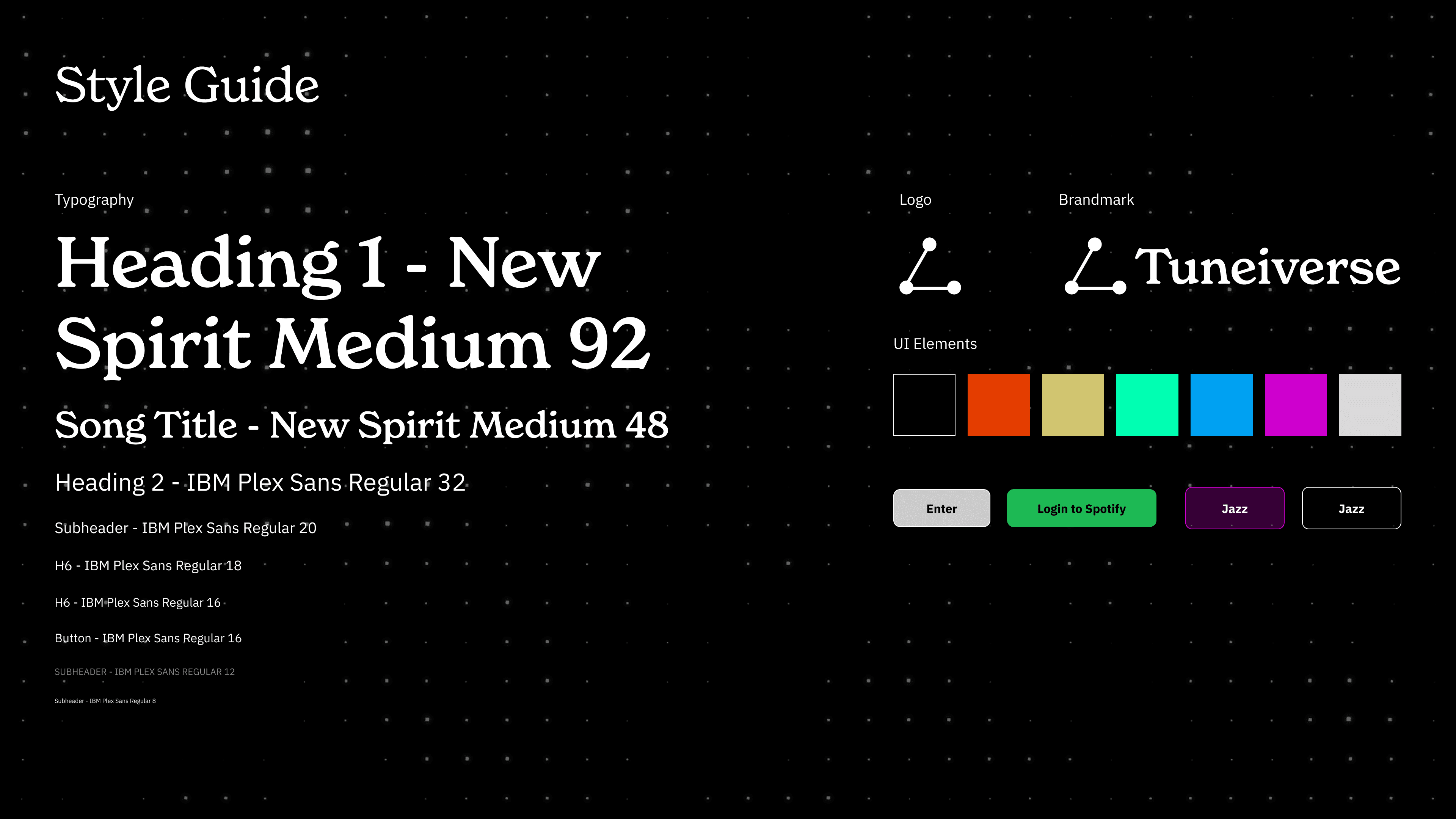
I created a style guide which I had to manually implement. Gemini and Claude created many different text styles and colors, sometimes overlapping and changing each other, and I needed to change them myself in order to unify everything.
Iterating
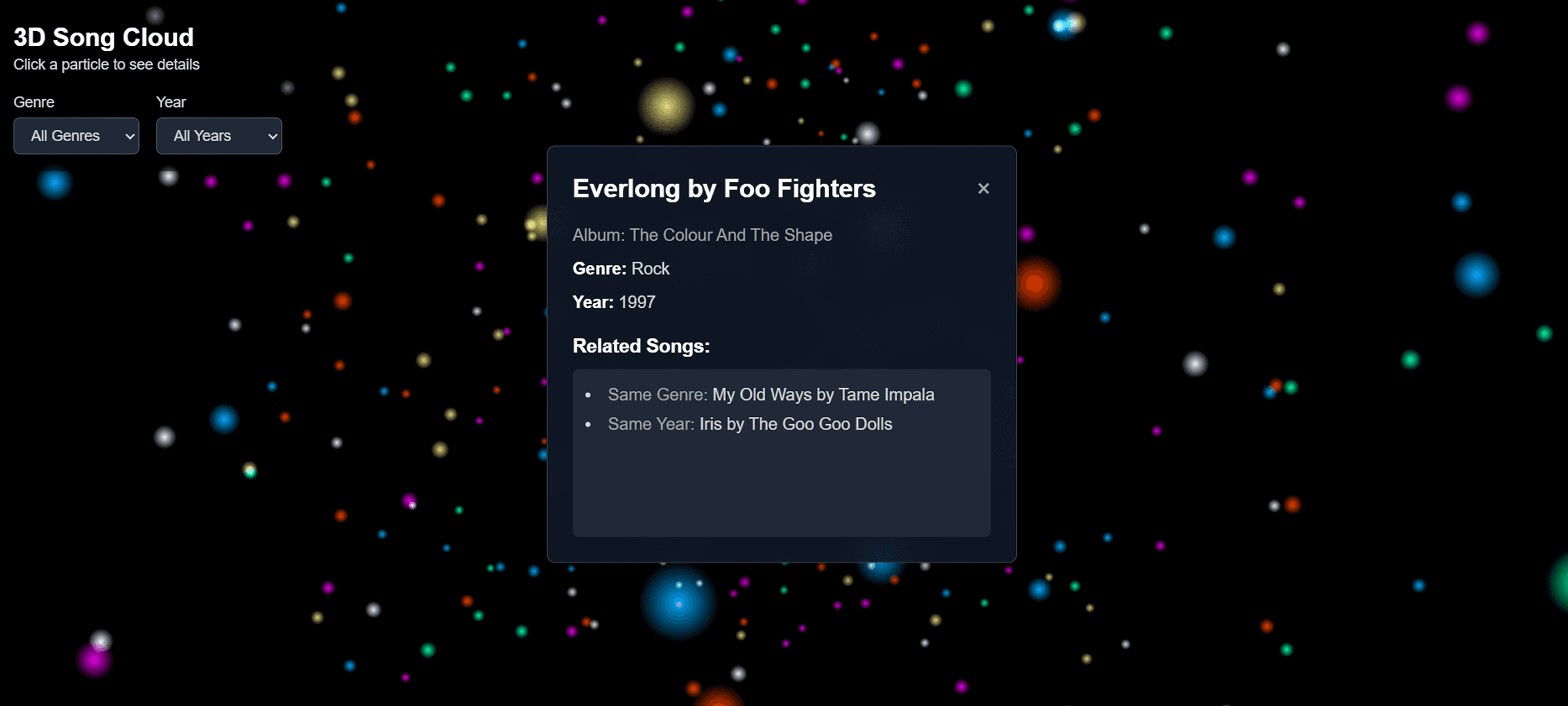
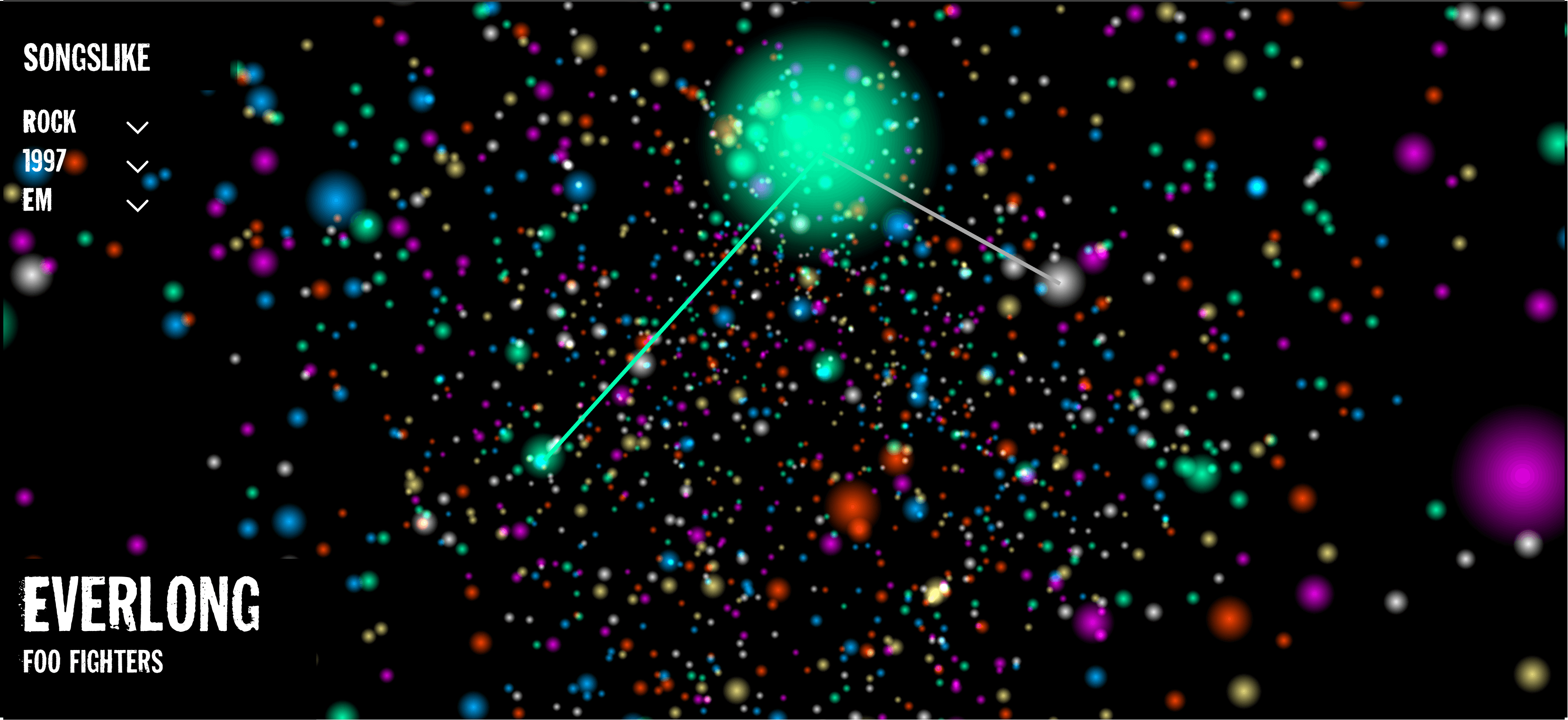
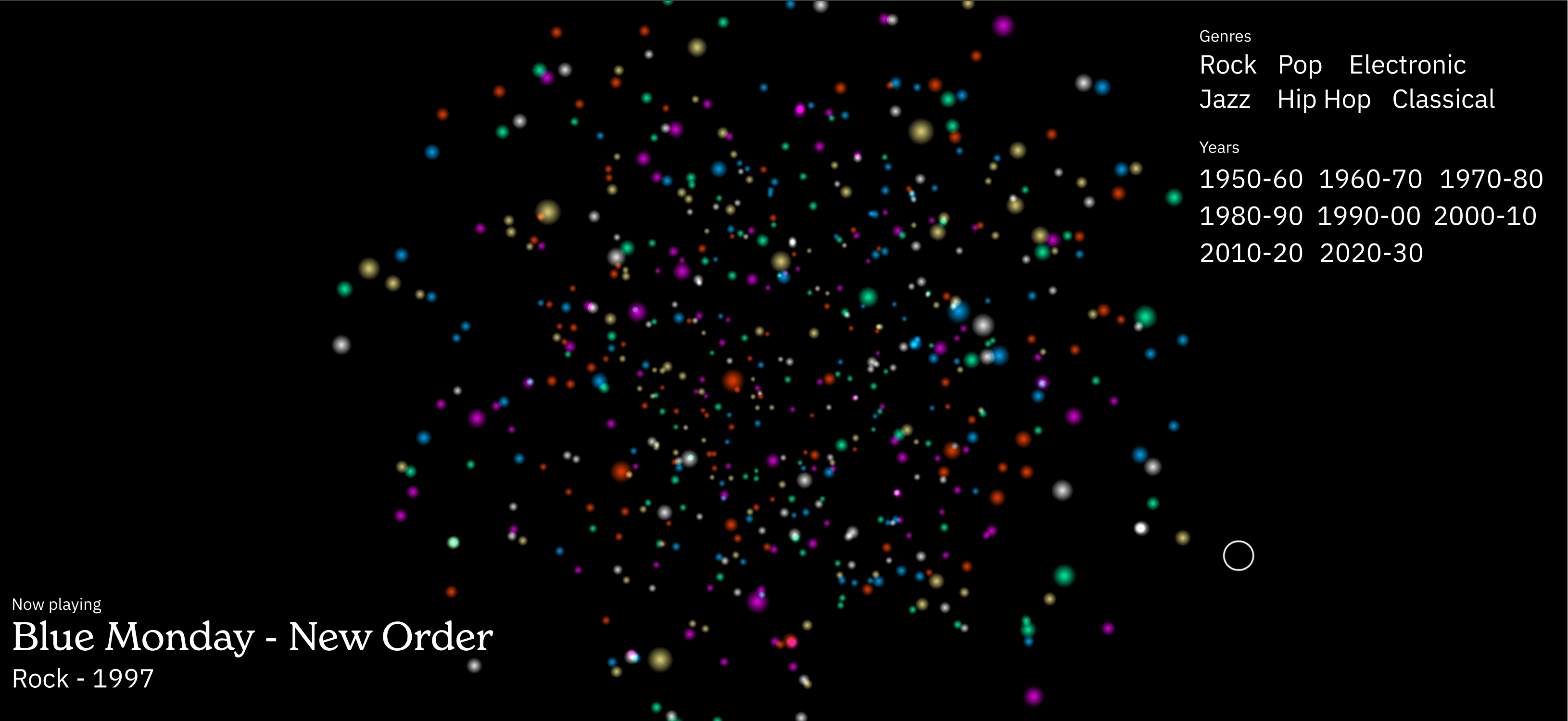
The process of vibe coding started in Gemini with the creation of the 3D scene and particles and a basic UI. Then, I took it into Figma to play around with the hierarchy and display of information in the UI, as well as figuring out what information was necessary and where I could add moments of delight. After using Gemini, Claude did most of the heavy lifting in terms of code while I focused on the information, design, and delivery.
A Step Further
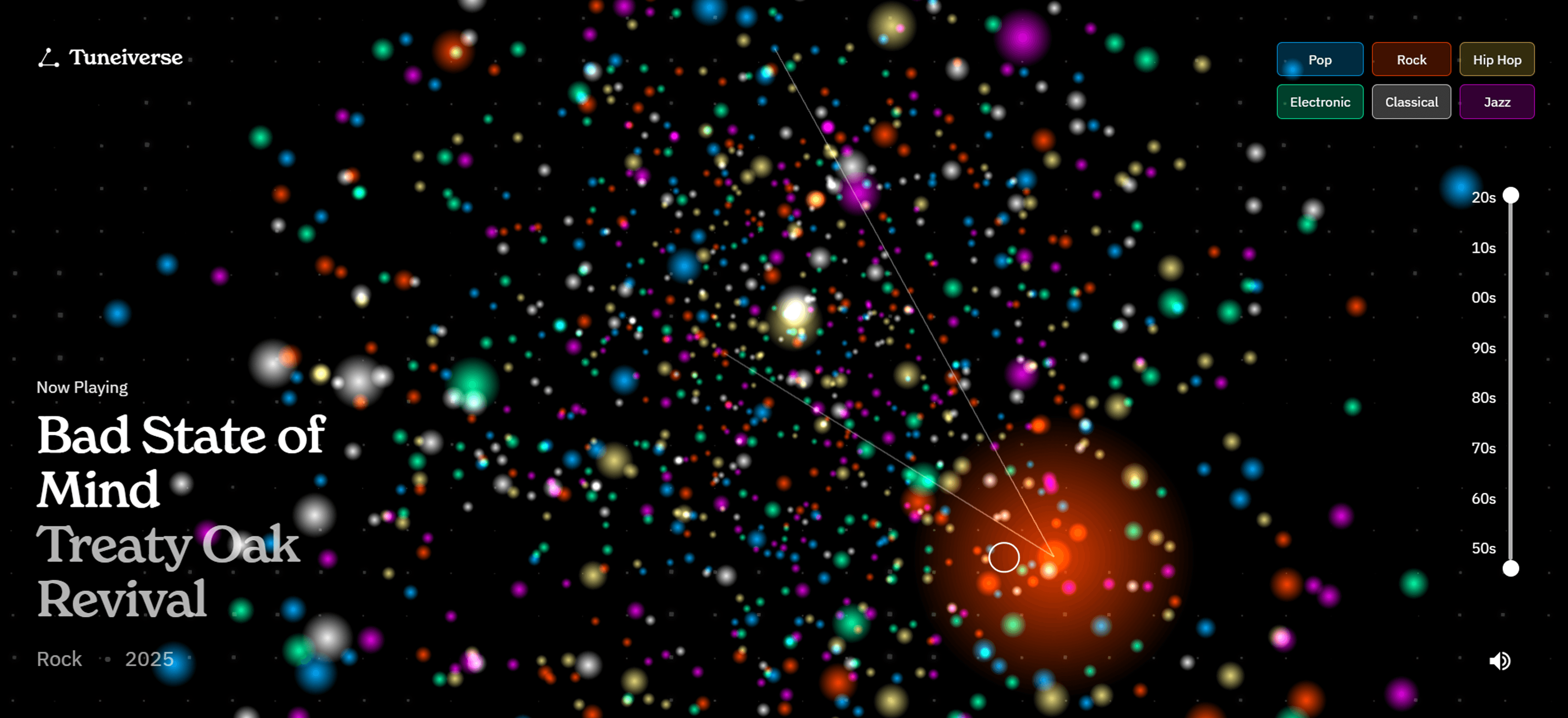
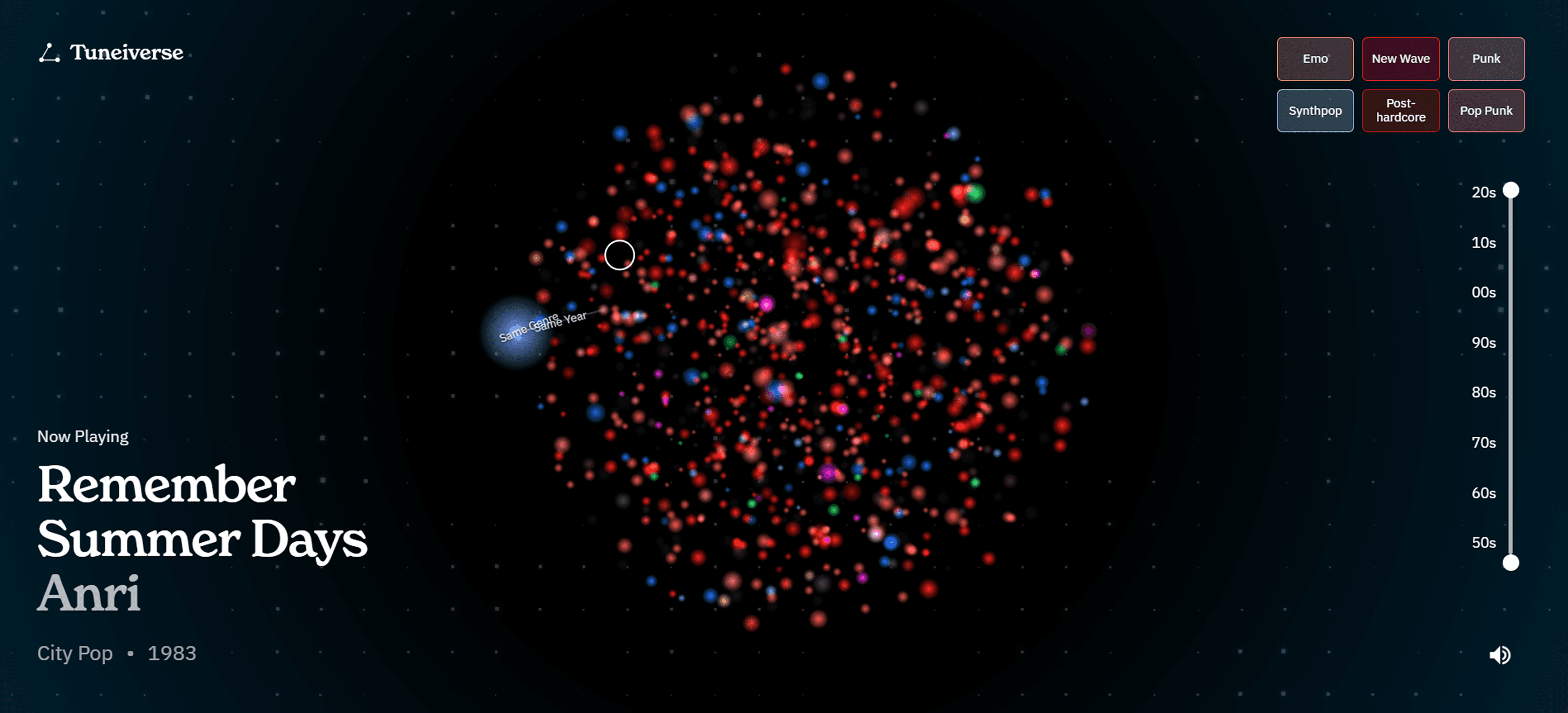
In the last week of the project, my project took a drastic turn as I decided to try to connect my own Spotify data, which led to many bugs and forced me to reconsider my UI multiple times. To make the experience more immersive, I worked with AI to add a working Spotify login. In doing this, I noticed a fun side effect of using Spotify for this experience. Spotify has thousands of micro-genres embedded in its API, and I was able to pull those and assign them unique colors based on their parent class (rock, pop, etc). So instead of showing "Rock", it would say "Pop Punk".
Final Design
The experience was finalized with a connecting bar that appears each time the user clicks on a particle in the Tuneiverse. Each line connects to a particle representing a song from the same year and a song from the same genre, encouraging the user to interact. The color system was finalized as well as start, login, loading, and main content screens to introduce the user to the website and seamlessly move them through the experience.
AI, Efficiency, and the Role of "Designer"
I landed on a concept early on, so I spent most of my time iterating. The process of iterating was different from other projects. Instead of creating components and variables, I spent a majority of my time waiting for Gemini or Claude to generate an answer to my prompt. However, there were multiple points throughout where I stopped and went into Figma to consider different directions that I wanted to explore rather than depending on the AI's design.
I was excited to see the project work just the way I had pictured it in my head, but I couldn’t help but feel like my lack of knowledge about certain pieces of code the AI wrote was diminishing the project’s overall quality. I like to have complete control over my projects, and much of the time while generating code it felt more like I was wrangling the AI to try to make it produce the right code instead of working on what really mattered, which was the design. Of course, I put a substantial amount of effort into the design, but I spent so much time waiting for code to generate or working through code errors that I felt like my role as a designer started to take a back seat.
Despite my ups and downs with AI, I’m incredibly excited about the project’s outcome.