
Comically Large
Motion Graphics
Mobile Design
Interaction Design
UX/UI
Timeline: 12 Weeks, Spring 2026
Tools: Figma, Illustrator, After Effects, Resolume Arena, Exhibition Design
Designers: Sadie Holland, Emily Menna, Hailey Moore, Mary Clements
Developers: Jayson Packer, Yuri Korolev, Lydia Jin, Jacob Jablon
Comically Large is a two-player drawing game where you need to work with a partner to draw based on a prompt. The catch - you have to use pencils that are six feet tall!
Comically Large is the Capstone project between the New Media Design and New Media Interactive Development majors. Seniors in both majors were split into seven teams with the prompt of creating an interactive experience that uses an alternative controller. We spent four months on this project with the goal of presenting our work at Imagine RIT. We met that goal, and Comically Large was played by over 500 visitors!

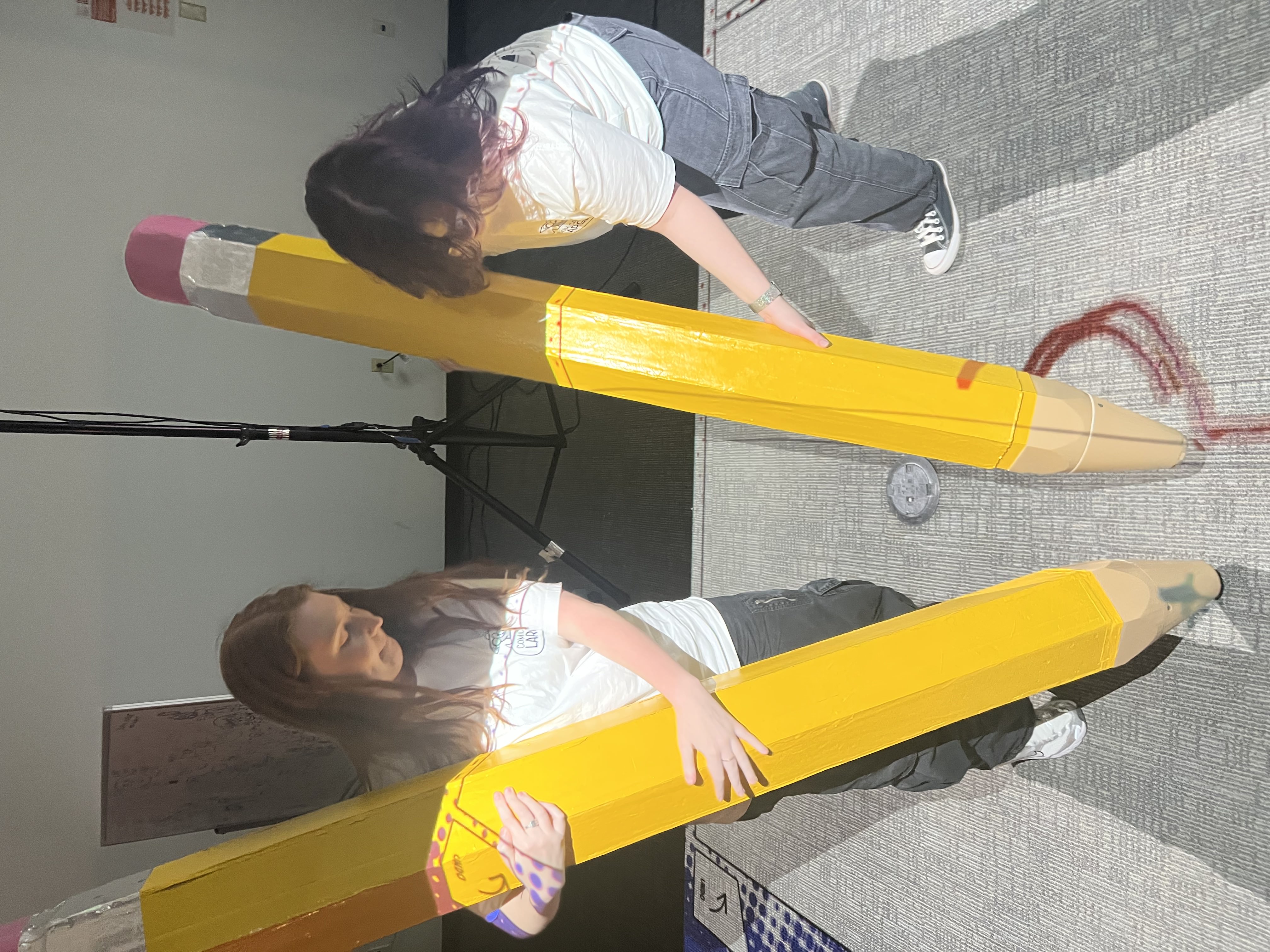
Testing out the pencils

New Media professor Mike Minerva and one of our classmates getting ready to play

I placed a whiteboard with markers in the line so people could warm up as they waited to play - it was a huge success
My Role
I helped with the UI, motion graphics, and overall experience of the game, but most of my focus was on branding and visual identity. I created the game's mascot, Mic. I turned him into a few stickers, which were available as takeaways from our exhibit. (We ran out before the end of the day!)
I also created the logo, decided on typography and color, and made the t-shirts our group wore during the exhibit.
Organization and Planning
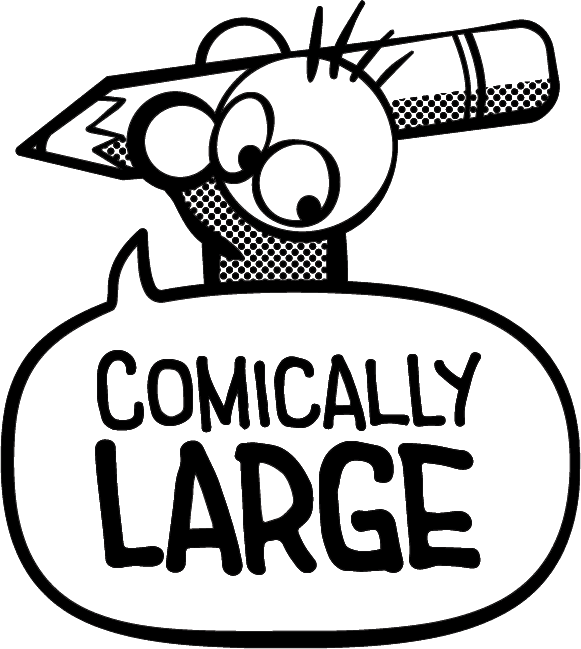
We organized our tasks in Figma with a Kanban board. This kept everyone on track as the deadline for Imagine steadily approached. I also kept an asset library of every illustration or icon I'd created so the designers and the developers would have easy access for ideation and implementation.


Creating Mic
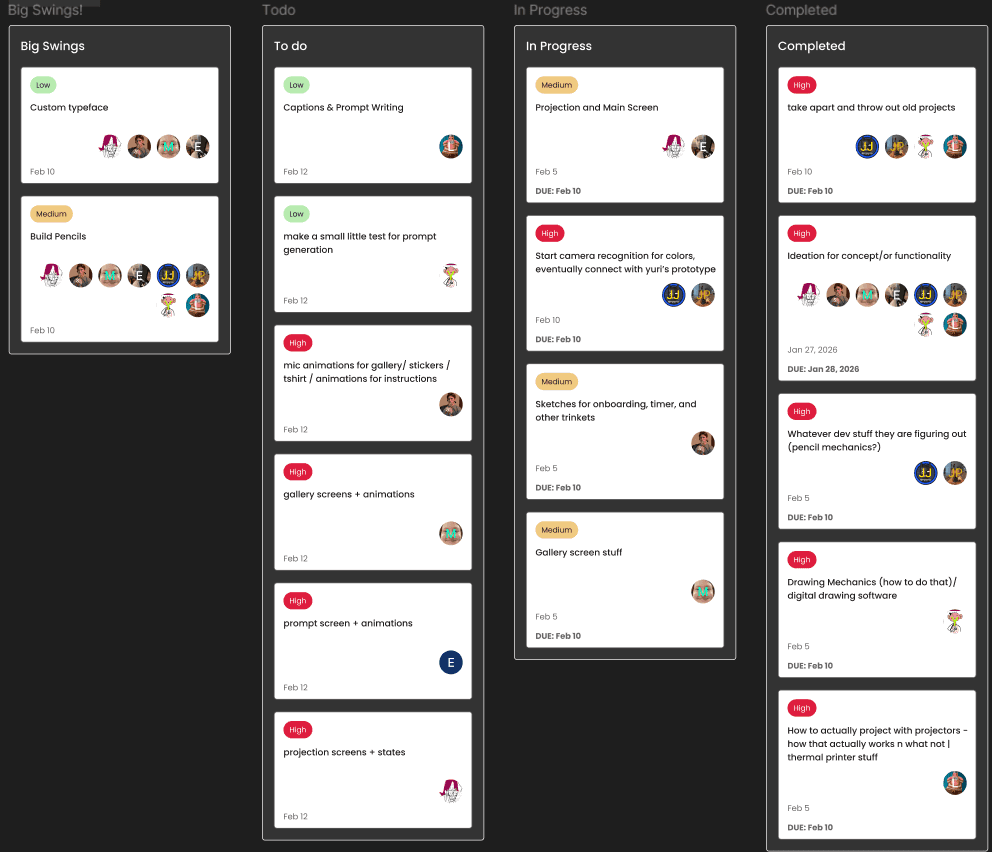
My goal in creating Mic was to make a mascot that was easily recognizable, not too complicated, but still registered as cute and specific to our game. Mic is comically small, which makes a nice juxtaposition to our comically large pencils.
I wanted his eyes to be the main focus of his character, so I didn't give him a mouth. I was inspired by South Park in this regard, specifically with the character Kenny. He's easy to become attached to because you can't hear him speak and all you can see of him is his eyes. In order to emphasize the head, I needed to play with the proportions. For this I was inspired by Peanuts. The characters have enough of a body that they can be clearly animated, but it's still small enough that the head is most of the focus.
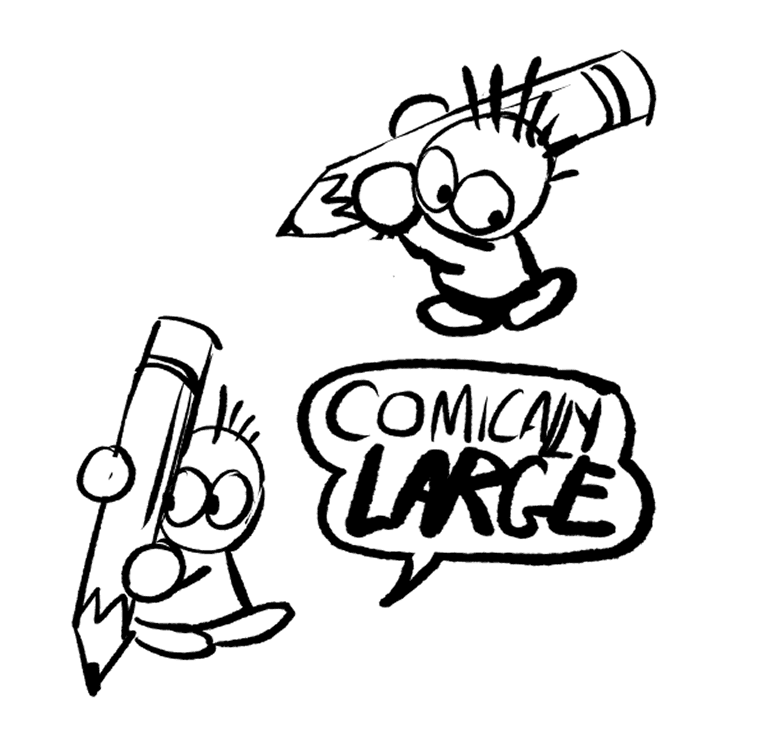


The three sticker designs - digitally, and in real life
Motion Graphics and Instructional Video
We decided it would be helpful to include instructions as people waited in line, not just so they would have something to look at, but so they would understand what they were about to do. In early feedback sessions, people were frequently confused by what they were supposed to be doing.
I created a quick motion graphics piece that showed what users were supposed to do while following the brand guidelines we set and the style of motion set by the other designers. The video was put on a flash drive which was then plugged into a vertically rotated monitor and set to loop. That way the video could play all day, uninterrupted, without having to worry about keeping someone's laptop on and plugged in.


Screens and UI
Early on, we distributed who would work on what screen. We had the main screen, which included icons to press and the canvas the players would draw on. Then there was the display screen, which showed the countdown, prompt, and what the players were drawing. Then there was the gallery screen, which would be displayed outside and encourage people to come and see our exhibit. I created the pencil and eraser icons and helped with the UI early on. I also helped with the layout of the gallery screen and created custom frames based on the mockup below.


We breathed in quite a bit of spray paint.
Industrial Design?
The biggest hurdle was figuring out how we wanted to make the pencils. We made prototypes out of cardboard before moving on to foam. Mary, Jayson, Jacob, and our professor Mike Minerva were a huge help in creating our pencils and figuring out how to fit the Arduino, sensor, and wiring inside the pencil tip. Jayson 3D modelled and printed the pencil tips, and he and Jacob figured out how to sync the sensor in the pencil tip to the camera. Mary worked with Mike to create the foam of the pencils as well as the metal and eraser, and Emily, Hailey, and myself helped spray paint them.
None of us had experience with industrial design or creating physical objects like this, so it was a great learning experience, but also a bit of a pressure cooker as the deadline approached and we needed not only a digital product, but also a physical one. Four of them, to be exact.
Capstone Complete!
I'm so lucky to have been placed with such a great group of people. We spent all year working together, and I feel like I learned so much about collaboration and how to work not just in a team, but also specifically working with developers and what they need from me as a designer. This project's scale was overwhelming and exhausting at times, but it was also the biggest and most rewarding project I've ever been a part of. I couldn't have done it with anyone else - go team!
